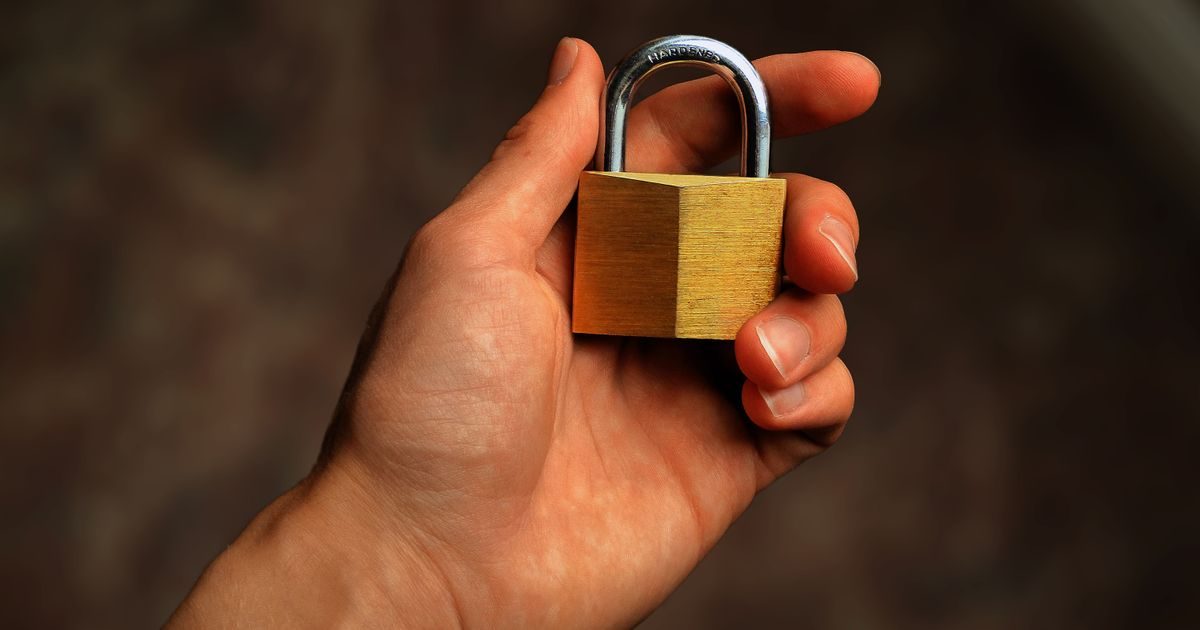
An accounting firm in Tijuana handles RFC tax IDs, financial statements, annual returns, and banking details for dozens — sometimes hundreds — of clients. If that information falls into the wrong hands, consequences range from IMSS and INFONAVIT penalties to civil lawsuits for privacy violations. The good news: protecting that data doesn't require an in-house IT team — it requires the right controls applied in the right order.
Why Accounting Firms Are a Frequent Target
Attackers prefer targets with a high density of valuable data and low investment in security. A mid-sized accounting firm in Tijuana may concentrate tax records for 80 to 200 businesses on a single shared server or in unencrypted Dropbox folders.
- Spear-phishing emails — impersonating the SAT or IMSS to steal portal credentials.
- Ransomware — encrypts working folders and demands a ransom to release tax return files.
- Unauthorized access — reused passwords or no two-factor authentication on corporate email.
- Website breaches — contact forms without HTTPS that expose client data in transit.
Being in Tijuana, a high-volume border zone, adds another factor: many firms serve clients with cross-border operations, which may involve data also regulated by California law (CCPA) in addition to Mexico's.
Legal Framework: What Mexico's LFPDPPP Requires of Your Firm
The Ley Federal de Protección de Datos Personales en Posesión de los Particulares (LFPDPPP) — Mexico's federal data privacy law — applies to any company or individual that collects personal data. An accounting firm collects names, RFC tax IDs, fiscal addresses, income figures, and banking data — all personal data, and some of it sensitive financial data.
The concrete obligations that most affect accountants:
- Privacy notice — must exist, be published, and explain what you use the data for.
- Security measures — administrative, physical, and technical. The technical category includes encryption and SSL certificates.
- Retention periods — data is kept only as long as necessary; afterwards it must be deleted or anonymized.
- Breach notification — if an incident occurs, you must notify affected individuals.
INAI fines for non-compliance range from 100 to 320,000 days of minimum wage. For a small firm, even the minimum fine is a significant financial blow.
The Four Technical Controls You Can't Skip
1. HTTPS on Your Website and Client Portal
If your firm has a site where clients submit documents or contact forms, that site must run on HTTPS with a valid SSL certificate. Without it, data travels in plain text between the client's browser and your server — anyone on the same network can intercept it.
For an accounting firm the minimum recommendation is an OV (Organization Validated) certificate, which confirms that the domain belongs to your registered business. It costs roughly $800–$2,500 MXN per year and provides an extra layer of trust beyond free DV certificates.
| Certificate type | Validation | Approx. annual cost (MXN) | Best for |
|---|---|---|---|
| DV (Let's Encrypt) | Domain only | Free | Informational blog, no client data |
| OV | Domain + business | $800 – $2,500 | Portals handling tax or financial data |
| EV | Extended validation | $3,000 – $8,000 | Financial institutions, high-volume e-commerce |
2. Encryption of Files at Rest
SSL protects data in transit. Once a PDF tax return arrives on your server or computer, it also needs protection at rest. Practical options for a Tijuana-based firm:
- Encrypted folders — VeraCrypt on Windows creates encrypted volumes where you can store your entire client folder.
- End-to-end encrypted cloud — services like Tresorit or Proton Drive instead of unencrypted Dropbox.
- Full-disk encryption — BitLocker on Windows Pro encrypts the entire drive; if a laptop is stolen, the data remains unreadable.
3. Two-Factor Authentication (2FA) on All Accounts
Your accounting email, SAT portal, buzón tributario, IMSS IDSE — all must be protected with 2FA. An attacker who steals your password still can't log in without the time-sensitive code from your phone.
Google Authenticator, Authy, or Microsoft Authenticator are free and set up in minutes. This single measure blocks 99% of credential-theft attacks according to Microsoft data.
4. Separate, Tested Backups
Modern ransomware deletes local backups before encrypting files. The 3-2-1 rule remains the standard:
- 3 copies of the data
- on 2 different media
- with 1 copy off-site (cloud or external drive at another location)
For an accounting firm, the cloud backup must be in a different account from the one staff uses daily — so ransomware that compromises work credentials doesn't automatically reach the backup.
Your Website: First Point of Contact, First Risk
Many Tijuana firms use WordPress with contact forms for clients to attach documents. This workflow creates additional risks that SSL alone doesn't cover:
- Outdated plugins — known vulnerabilities exploited automatically by bots.
- Unvalidated forms — allow executable files or malicious scripts to be uploaded.
- Shared hosting without isolation — if another site on the same server gets infected, it can spread to yours.
The simplest solution for a firm that doesn't want to manage servers is managed hosting with automatic malware scanning, a web application firewall (WAF), and included WordPress updates. You can explore options at elenlace.com's secure hosting catalog.
For a broader view of how each protection layer works together, browse the SSL security resources for Mexican websites in our category hub.
Key Takeaways
- Accounting firms are high-value ransomware and phishing targets because of the dense concentration of tax data.
- Mexico's LFPDPPP requires technical security measures — non-compliance can result in INAI fines and civil liability.
- SSL/HTTPS is mandatory on any site or portal that receives client data.
- Encryption at rest (VeraCrypt, BitLocker, encrypted cloud) complements SSL to protect stored files.
- 2FA on email and SAT/IMSS portals blocks the vast majority of credential-theft attacks.
- Backups must follow the 3-2-1 rule and be separated from daily work credentials.
Ready to protect your clients' tax information? Reach out at elenlace.com and we'll help you choose the right secure hosting plan and SSL certificate for your Tijuana accounting firm.
FAQ
Do I need an SSL certificate if my site only shows firm information and a contact form?
Yes. Since 2018 Chrome and Firefox flag any page that requests information without HTTPS as "Not Secure," including a simple contact form. Moreover, if client data (name, email, RFC) arrives through that form, the LFPDPPP requires you to protect that transmission.
Does the LFPDPPP apply to solo accountants (sole proprietors)?
Yes. The law applies to private-sector individuals and companies that collect, use, store, or transfer personal data. An independent accountant with clients is covered from the moment they save a client's RFC on their computer.
What should I do if I detect a data breach at my firm?
Notify affected individuals immediately, describing what data was compromised and what steps you took. The INAI may request an incident report. Document everything: detection date, containment actions, and communications sent.
Is Gmail or Outlook encryption enough to protect files I send by email?
Gmail and Outlook encrypt email in transit between servers, but they don't encrypt files in the mailbox. If someone accesses your account (via phishing or a stolen password), they can see all attachments. The solution is 2FA plus encrypting sensitive files before attaching them — for example, a password-protected PDF or an encrypted ZIP archive.
Useful resources
Other providers and guides worth comparing: