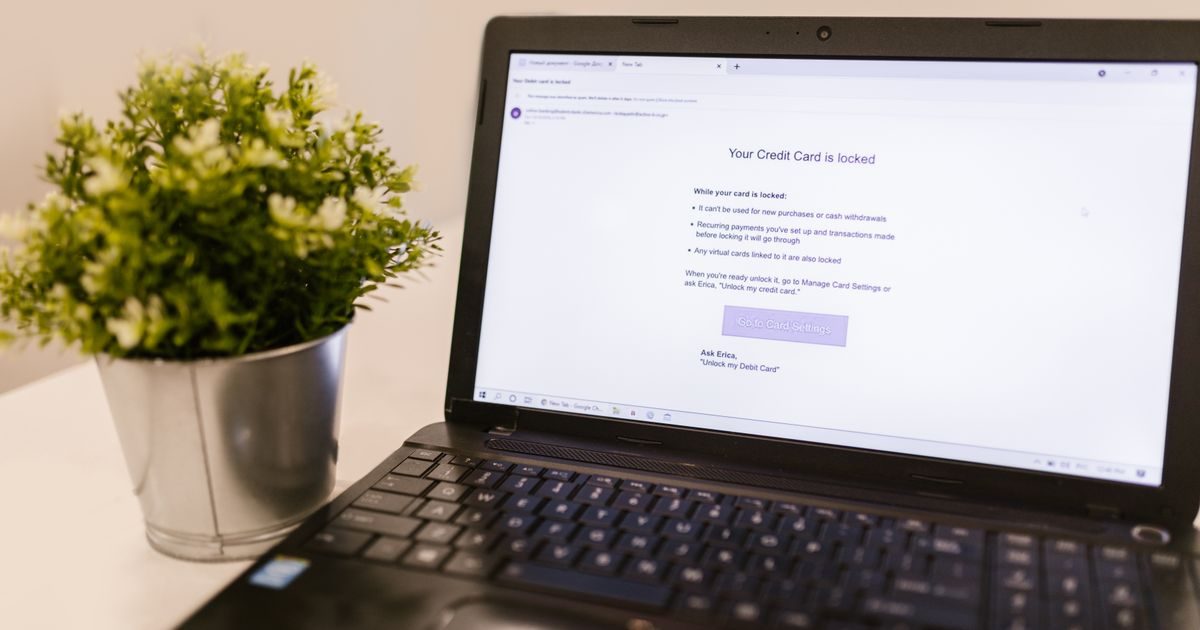
Anti-spam in business email is a set of filters and protocols that analyzes every incoming — and outgoing — message to decide whether it's legitimate or should be blocked. Without it, your inbox would become unusable within days.
This guide explains how those filters work, what technologies power them, and why they're especially critical when you use a custom-domain email for your business.
Why Is Spam a Serious Problem for Businesses?
Spam isn't just an annoyance. For a business, unwanted email represents real risks:
- Phishing: messages impersonating banks, suppliers, or even your own CEO to steal credentials or trigger wire transfers.
- Malware: attachments or links that install ransomware or spyware on the corporate network.
- Lost productivity: employees waste time sorting unwanted messages and sometimes delete legitimate emails by mistake.
- Reputation damage: if your domain ends up on a blacklist because an attacker used it to send spam, your own emails will stop reaching clients.
That's why modern anti-spam systems operate on several levels simultaneously — they don't rely on any single mechanism.
The Three Layers of Business Anti-Spam
Layer 1: Sender Authentication (SPF, DKIM, DMARC)
Before your server reads the content of a message, it verifies whether the sender is who they claim to be. Three DNS records handle this:
- SPF (Sender Policy Framework): lists the servers authorized to send email on behalf of your domain. If an unknown server tries to do so, the message fails the SPF check.
- DKIM (DomainKeys Identified Mail): attaches a cryptographic signature to each message. The receiving server verifies that signature against a public key published in your domain's DNS. If the signature doesn't match, the message was altered in transit or is forged.
- DMARC (Domain-based Message Authentication, Reporting & Conformance): ties SPF and DKIM together and tells receiving servers what to do with messages that fail: ignore them, quarantine them, or reject them outright. It also generates reports so you can see if anyone is trying to impersonate your domain.
These three records are the foundation. Without them, any content filter is far less effective.
Layer 2: Content Filters and IP Reputation
Once a message passes authentication, filters analyze its content and the sender's reputation:
- Blacklists (RBLs): databases of IPs and domains known to send spam. If the sender appears on one, the message is blocked or automatically flagged.
- Content analysis: filters look for patterns typical of spam — all-caps subject lines, phrases like "make money fast," excessive images, minimal text, links to recently registered domains.
- Spam scoring: each message accumulates points based on how many red flags it triggers. Above a certain threshold it goes to the spam folder; above another it's rejected outright. Tools like SpamAssassin use this model.
Layer 3: Artificial Intelligence and Behavioral Analysis
High-end business email providers — like Google Workspace or Microsoft 365 — add a machine-learning layer that analyzes patterns across millions of messages:
- Detects sophisticated phishing attacks that accurately mimic legitimate brands.
- Identifies anomalous behavior: an employee who suddenly starts sending thousands of messages may indicate their account was compromised.
- Analyzes conversation history to determine whether a new sender is trustworthy or suspicious.
This combination of layers means modern systems block over 99% of spam before it ever reaches the inbox.
How Anti-Spam Affects the Emails You Send
This is the point many businesses overlook: spam filters don't just protect your inbox — they also evaluate what you send out. If your domain has a poor reputation, your emails to clients will land in their spam folder or be rejected entirely.
To protect your sender reputation:
- Configure SPF, DKIM, and DMARC on your domain from day one.
- Never buy email lists; only send to people who gave you their address voluntarily.
- Always include an unsubscribe link in bulk communications (required by law in many countries).
- Monitor your bounce rates and spam complaint rates; a professional hosting provider makes this data easy to access.
If you need help correctly setting up domain authentication or reviewing your email reputation, El Enlace offers business email audits for small and medium-sized businesses.
Anti-Spam: Shared Hosting vs. Dedicated Solutions
| Feature | Shared hosting (cPanel) | Google Workspace / M365 | Dedicated anti-spam gateway |
|---|---|---|---|
| Basic filters (SPF/DKIM/DMARC) | Yes | Yes | Yes |
| AI and machine learning | Limited | Advanced | Advanced |
| Anti-phishing protection | Basic | High | Very high |
| Admin reporting | Basic | Detailed | Very detailed |
| Estimated cost | Included in hosting plan | $6–$12 USD/mailbox/month | Variable, from ~$2 USD/mailbox/month |
For most small businesses, Google Workspace or Microsoft 365 offer the best balance of protection and cost. Dedicated gateways (such as Proofpoint or Mimecast) are justified when the business handles sensitive information or has a high email volume.
Key Takeaways
- Business anti-spam operates in three layers: sender authentication (SPF/DKIM/DMARC), content filters and IP reputation, and artificial intelligence.
- Without SPF, DKIM, and DMARC configured, your emails can land in clients' spam even if you've done nothing wrong.
- Modern filters block over 99% of spam, but targeted phishing requires additional AI layers.
- Your reputation as a sender is just as important as protecting your own inbox.
- For most SMBs, Google Workspace or Microsoft 365 offer the most comprehensive protection with the least configuration effort.
Want to check whether your business email is properly protected? The team at www.elenlace.com can run a quick audit of your DNS configuration and domain reputation at no initial cost.
Find more resources on email security and management in our business email section.
FAQ
Why do my legitimate emails land in my clients' spam folder?
The most common causes are: missing SPF, DKIM, or DMARC records on your domain; the sending server's IP being on a blacklist; content that triggers filters (too many images, little text, suspicious links); or a history of high bounce rates. An email audit pinpoints exactly what the issue is.
Does anti-spam delete emails or just flag them?
It depends on the configuration. Basic filters move messages to the spam folder; more aggressive settings can reject them at the server level before they're even received. The system administrator can adjust the threshold based on the company's needs.
What is phishing and how does anti-spam detect it?
Phishing is an attack where an email pretends to be from a trusted entity — your bank, a supplier, even your boss — to trick you into handing over credentials or money. Modern filters detect it by verifying the authenticity of the sender's domain, analyzing links inside the message, and cross-referencing them against databases of known malicious URLs.
Do I need a dedicated anti-spam gateway if I already use Google Workspace?
For most small businesses, no. Google Workspace includes high-level anti-spam and anti-phishing protection. An additional gateway is justified in regulated industries (healthcare, finance, legal) or when you need stricter archiving and compliance controls than Google's platform provides by default.
Useful resources
Other providers and guides worth comparing: